

Objective
The need was for real-time motor control data visualisation to help “tune” electrical motor control algorithms and parameter settings to give optimal performance. A particular focus was on good current control, which is critical to getting the maximum torque from the motor and minimizing its operating temperature and noise.
Factors to be considered
Although the currents through the motor windings can be observed using an oscilloscope, it is useful to also be able to observe internal variables within the control software. For example, if we are using space-vector control we would like to be able to directly observe the space vector, which only exists inside the software.
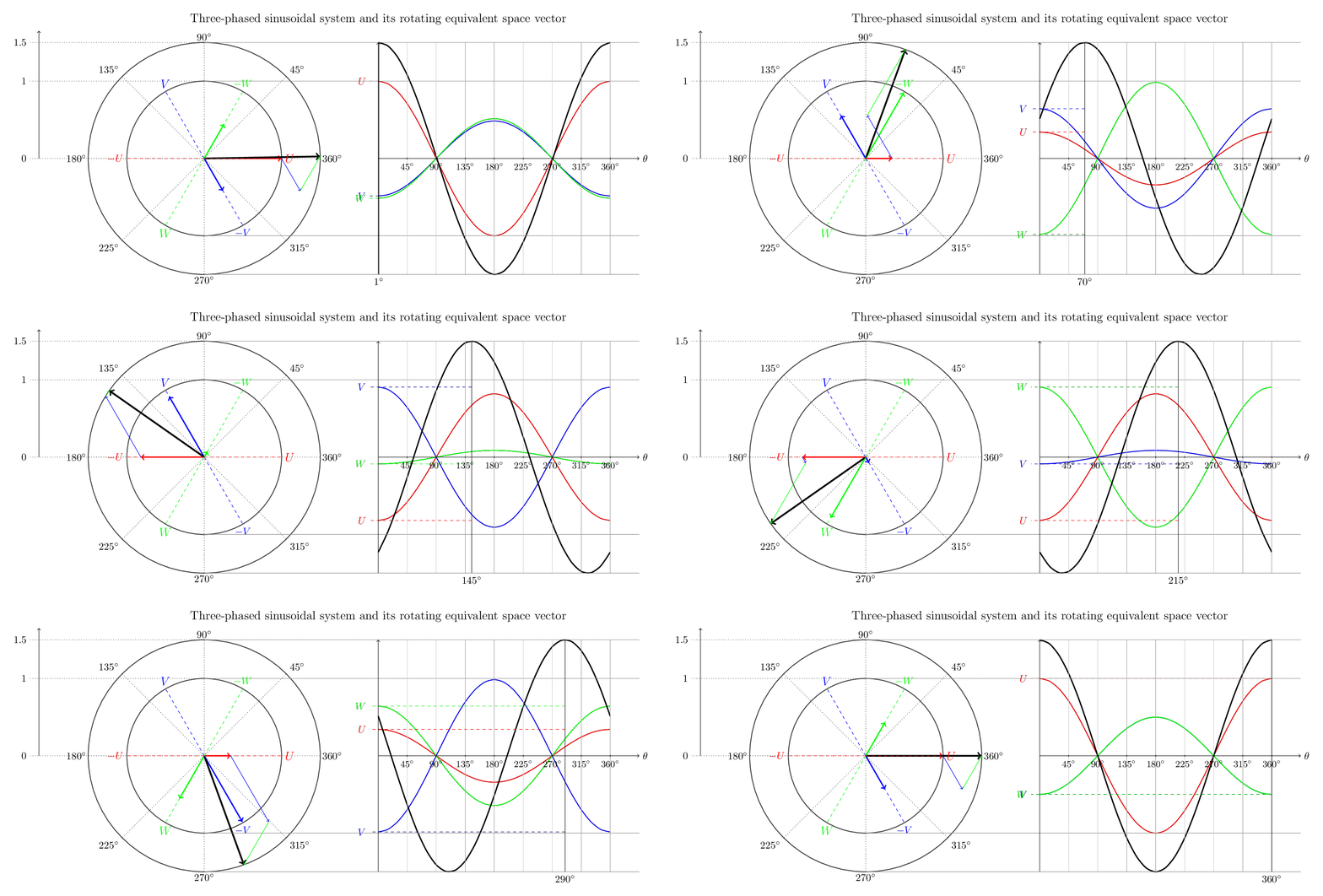
(Illustration of space vector from www.switchcraft.org)
To make the job of tuning the control easy, we would also like to be able to change the values of parameters such as PI control gains without having to build and download a new build of software or configuration data. We would like to make it as easy as possible to “tweak” the parameters and observe the effect in real-time.
For a motor control system such as this we cannot stop execution and examine the values of variables, as we cannot then re-start. Repeated uncontrolled stops of the motor are very undesirable. In any case, looking at a snapshot of data that is continuously changing is of limited value.
Approach
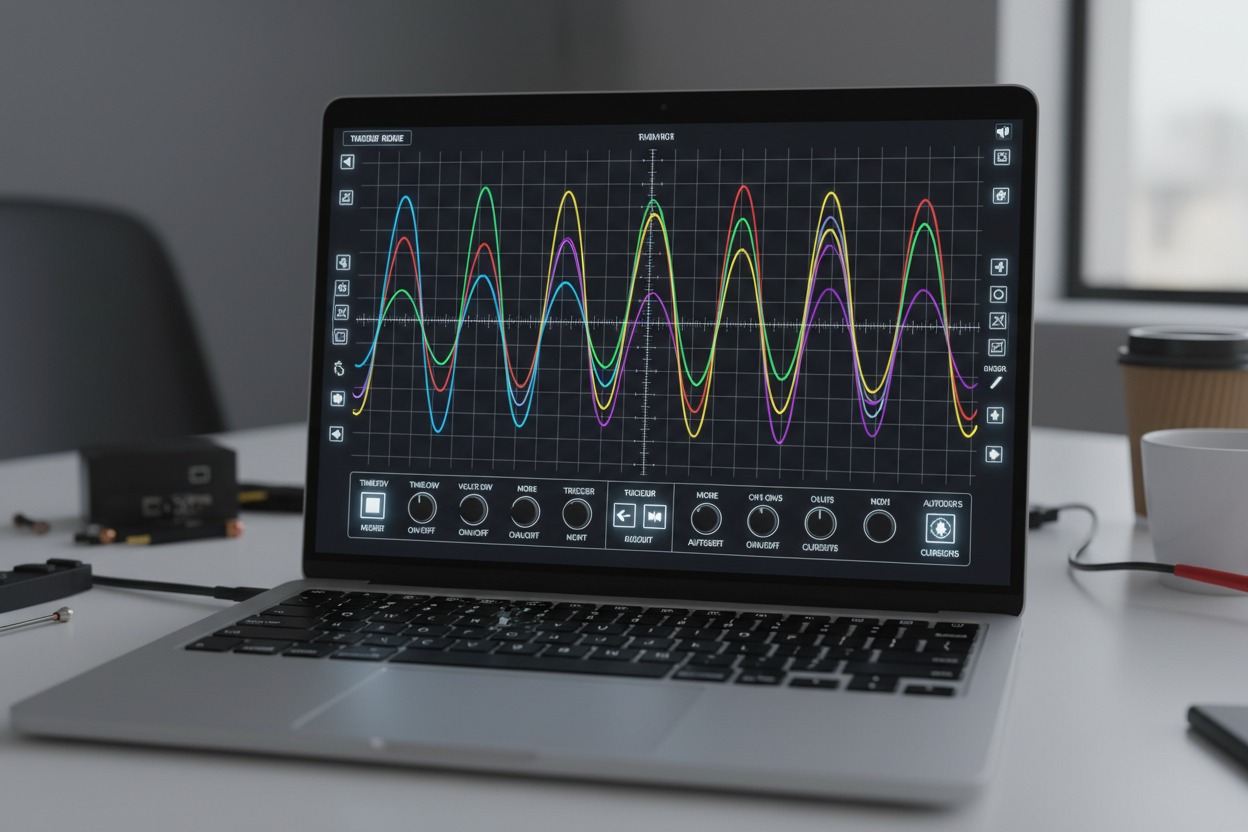
A tool was designed that allowed the values of internal variables in the control software to be graphically displayed on a PC in quasi-real-time (that is to say the data on the screen was coherent with respect to time, but may be delayed).
The tool also allowed the values of static variables in the control software to be overwritten by values entered on the PC.
PC tool
A PC application was written in C# to display a number of variables in real-time. The appearance of the display was similar to an oscilloscope running in auto-triggering mode. C# was chosen only because there were a number of other development tools written in this language.
The variables to be displayed could be entered into the tool either as raw RAM locations, or by using the variable names used in the code. The tool would parse the map file produced by the linker to convert the variable name to a RAM location. Only static variables could be displayed.
The tool also allowed the user to overwrite the values in memory locations. Again, this could be done to either raw RAM addresses, or using variable names in the code.
Communication protocol
Communication between the software under test, running on the motor control electronics unit, and the PC was via CAN bus. For speed, this was “raw” CAN, with no additional protocol on top. The data were communicated using a compact binary format. This was crucial, as the current control loop was running every 100 μs and multiple data values had to be transmitted every loop.
Control software modifications
To transmit the data from the software under test, a small piece of code was inserted into the scheduler of the control software.
The inserted software listened on the CAN bus for commands from the PC tool. These could either be commands telling it which memory locations to transmit, or commands telling it to overwrite a particular memory location.
Every execution cycle, the inserted software read the memory locations that had been requested and transmitted their contents on the CAN bus periodically.
The process
As a laboratory testing tool, the process followed was informal and iterative.
Initially the tool was developed by a single engineer for their own use. Functionality was added to the tool according to the specific needs at the time. As the tool developed more functionality, a user-guide was written to allow other engineers to use it.
Results
It was found to be quite easy to develop a simple tool according to our needs, using C#. Real-time performance on a standard PC was adequate. The most difficult part was transferring data between the Windows display thread and the CAN bus monitoring thread.
The ability to visualize the wave forms at all stages of the motor control algorithms and to quickly evaluate the effect of changes meant that it was possible to achieve the aim of selecting PI control parameter values that enabled an increase in the torque output from the motor, with reduced heating and noise.
Although the tool was developed originally to support motor control algorithm development, it proved useful for other purposes as well. Examples are:
- Fault injection testing
- Monitoring of state machine transitions
- Testing of temperature and voltage diagnostics
If you would like to discuss how Matimar can help you to improve your embedded software testing capability, click here to contact us or e-mail matthew@matimar.eu.